The RED interchange API provides requests for signing electronic documents using the Telematik Infrastruktur features.
signpdf - QES for PDF document
A PDF-1A document may be signed electronically with a qualified electronic signature (QES) using the users HBA by using the signpdf request. The document must be PDF-1A with embedded fonts, any other PDF type will be rejected by the signature process.
{{baseURL}}/{{tenant}}/Bundle?action=$signpdf&cardname=HBAArzt&filepath=/Users/alexanderwilms/signedPDF.pdf
cardname - this parameter specifies the signature card by its name. The type of card must be a Heilberufeausweis HBA. Any other type may not be used.
filepath - this is an optional parameter specifying filepath and filename. if given RED will save a local copy of the signed PDF file.
The body of the request must contain a minimized DocumentReference bundle with the PDF file as base64 string. A patient reference is not required.
<Bundle xmlns="http://hl7.org/fhir">
    <id value="10000"/>
    <meta>
        <versionId value="1"/>
        <lastUpdated value="2023-11-11T00:00:00+00:00"/>
        <profile value="https://fhir.kbv.de/StructureDefinition/KBV_PR_AW_Bundle_Patientenakte|1.2.0"/>
    </meta>
    <type value="history"/>
    <entry>
        <resource>
            <DocumentReference>
                <content>
                    <attachment>
                        <contentType value="application/pdf"/>
                        <url value="Dokument1150.pdf"/>
                        <data value="JVBERi0xLjMKJcTl8uXrp/Og0....IzNTI0Mjk0NWJiMjcxPgo8NGFmODU0ZDc2MWJjODAzMWM5MjM1MjQyOTQ1YmIyNzE+IF0gPj4Kc3RhcnR4cmVmCjQzMDU4MwolJUVPRgo="/>
                        <title value="Test PDF-Dokument"/>
                        <creation value="2023-11-11T00:00:00Z"/>
                    </attachment>
                </content>
            </DocumentReference>
        </resource>
    </entry>
</Bundle>
If successful the request will return Status 200 and an XML object with signature status and signature data (the signed PDF-document as base64-String)
If unsuccessful the request returns Status 400 and an error object.
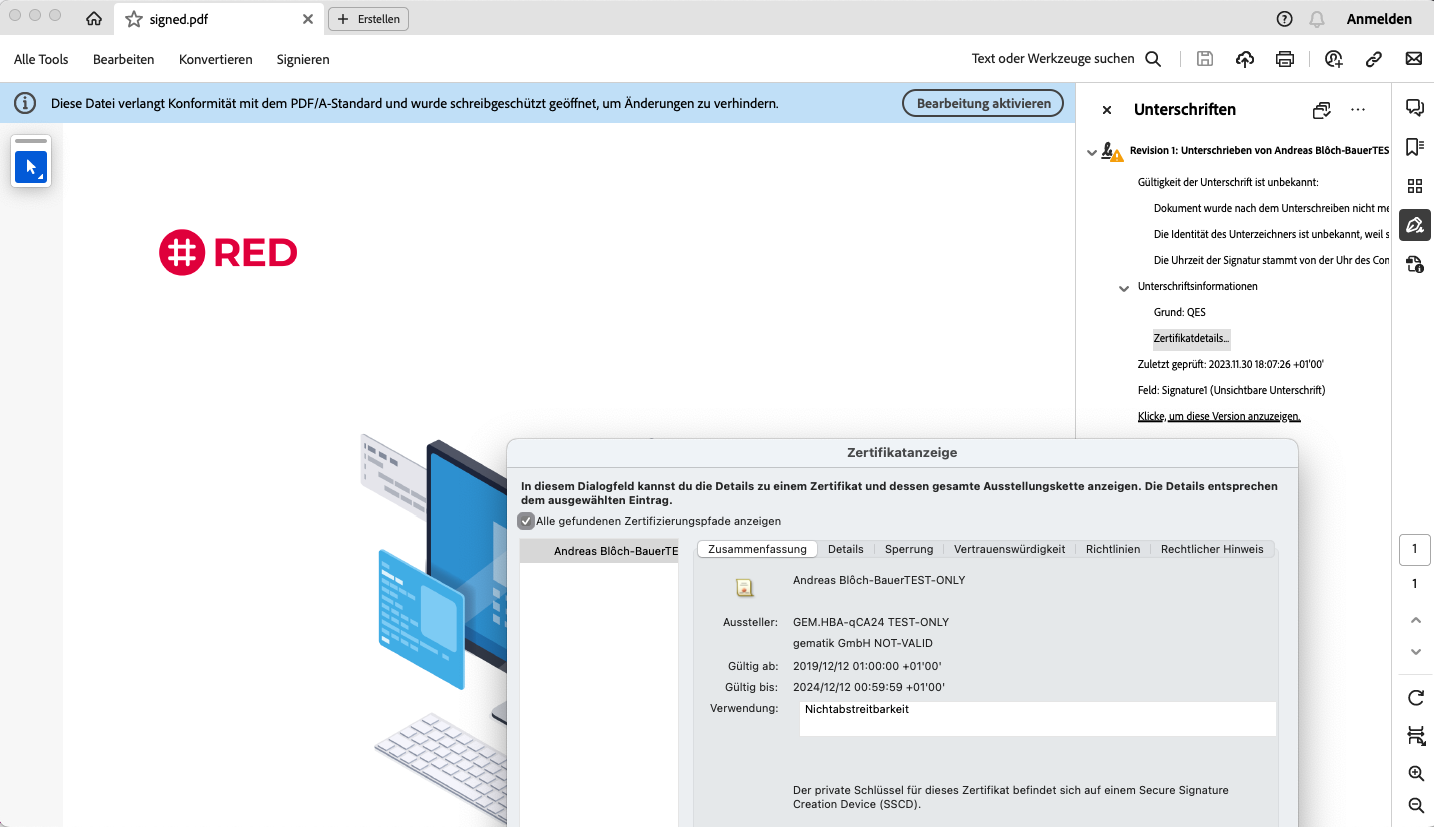
The signed PDF document may be opened and verified in any PDF reader